

How to Use Chrome’s Tab Compare Feature for Shopping
Chrome’s Tab Compare feature compares product details across multiple open shopping tabs in one panel. Here’s how to trigger it and what it shows you.

Google Chrome how-to guides and tutorials — settings, extensions, flags, troubleshooting, and tips to get the most out of the Chrome browser.
Chrome’s Tab Compare feature compares product details across multiple open shopping tabs in one panel. Here’s how to trigger it and what it shows you.

Chrome’s address bar holds anything you type in memory only and never saves it, making it a handy no-trace scratchpad. Here’s how to use it.
Chrome’s window goes grey, white, or blank and stops responding. Here’s how to tell whether it’s the GPU, an extension, or your profile, and fix the right one.
Chrome’s built-in “Listen to this page” feature reads web pages out loud with playback controls for speed, pause, and skipping. Here’s how to use it.

Chrome’s built-in PDF viewer can fill in form fields and add a drawn signature, no extension needed. Here’s exactly where to find both tools.

Chrome’s AI Mode adds a Gemini chat button to the new tab page, letting you ask questions and get AI answers without leaving the browser. Here’s how it works.
You can cast audio from any Chrome tab to a Google Home or Nest speaker using Chrome’s built-in Cast menu. Here’s how to set it up in a few steps.
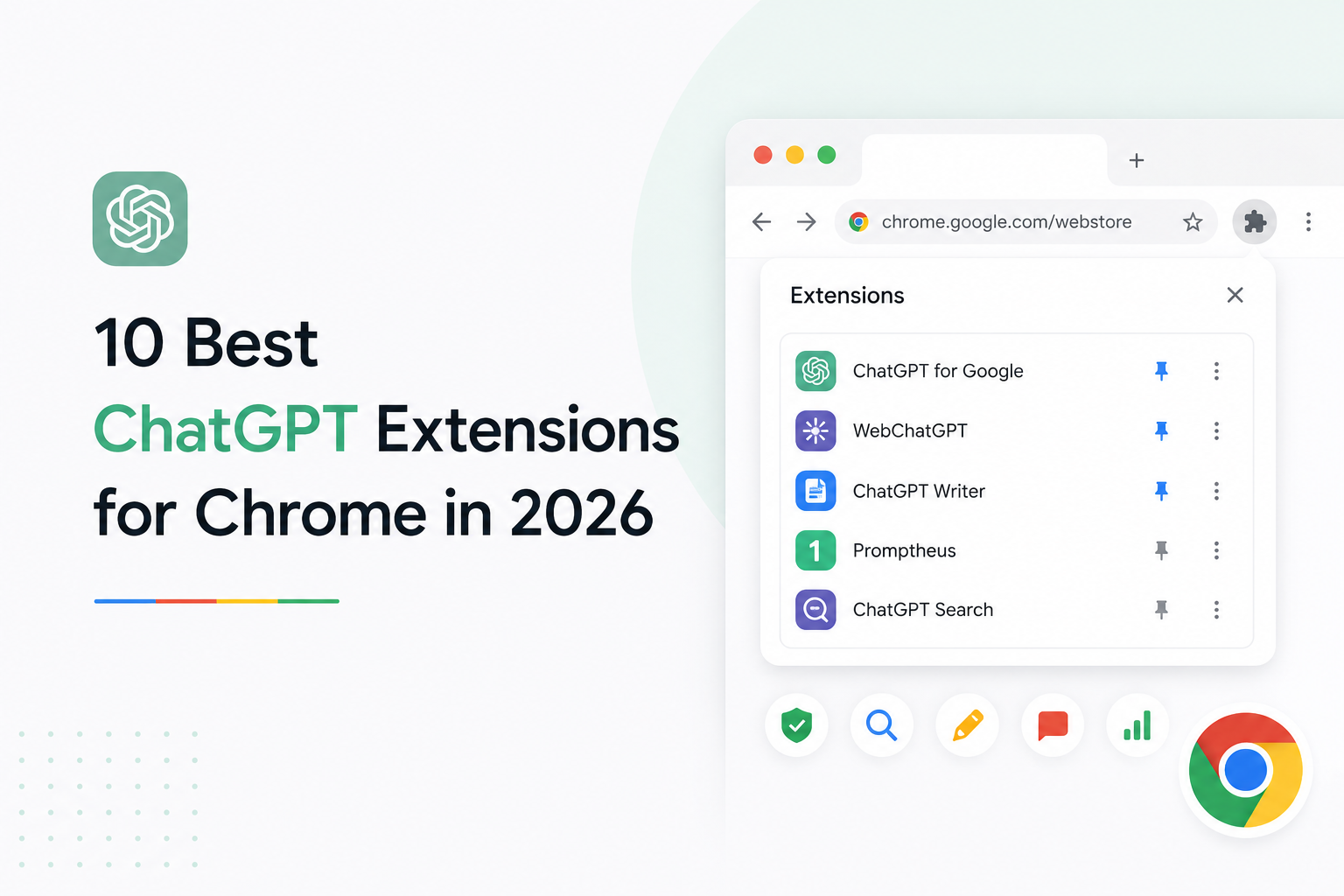
Here are the best ChatGPT extensions for Chrome, from the official OpenAI tool to multi-model sidebars and AI writing assistants.
Gemini in Chrome for Android turns your browser into a full AI assistant. Here’s how to use inline summaries, Personal Intelligence, Nano Banana image editing, and Google app integrations without leaving the…
Copilot Journeys automatically groups your Edge browsing history into topic cards. Here’s what it does, what data it uses, how to enable it, and whether it’s worth turning on.
·
Chrome’s Tab Compare feature compares product details across multiple open shopping tabs in one panel. Here’s how to trigger it and what it shows you.
·
Chrome’s address bar holds anything you type in memory only and never saves it, making it a handy no-trace scratchpad. Here’s how to use it.
·
Chrome’s window goes grey, white, or blank and stops responding. Here’s how to tell whether it’s the GPU, an extension, or your profile, and fix the right one.
·
Chrome’s built-in “Listen to this page” feature reads web pages out loud with playback controls for speed, pause, and skipping. Here’s how to use it.
·
Chrome’s built-in PDF viewer can fill in form fields and add a drawn signature, no extension needed. Here’s exactly where to find both tools.
·
Chrome’s AI Mode adds a Gemini chat button to the new tab page, letting you ask questions and get AI answers without leaving the browser. Here’s how it works.
·
You can cast audio from any Chrome tab to a Google Home or Nest speaker using Chrome’s built-in Cast menu. Here’s how to set it up in a few steps.
·
Here are the best ChatGPT extensions for Chrome, from the official OpenAI tool to multi-model sidebars and AI writing assistants.
·
Gemini in Chrome for Android turns your browser into a full AI assistant. Here’s how to use inline summaries, Personal Intelligence, Nano Banana image editing, and Google app integrations without leaving the page.
·
Copilot Journeys automatically groups your Edge browsing history into topic cards. Here’s what it does, what data it uses, how to enable it, and whether it’s worth turning on.