The paper of record for Chrome
Guides and Solutions for Chrome users.
Seventeen years of Chrome know-how, rebuilt for how you actually learn. Read it in ninety seconds — or watch it happen. Same page, your call.
-

52 Google Chrome Tips and Tricks
52 Google Chrome tips and tricks, rewritten for 2026 and verified against Chrome 151 — Split View, vertical tabs, tab search, omnibox @ shortcuts, Memory Saver,…
Latest guides
-
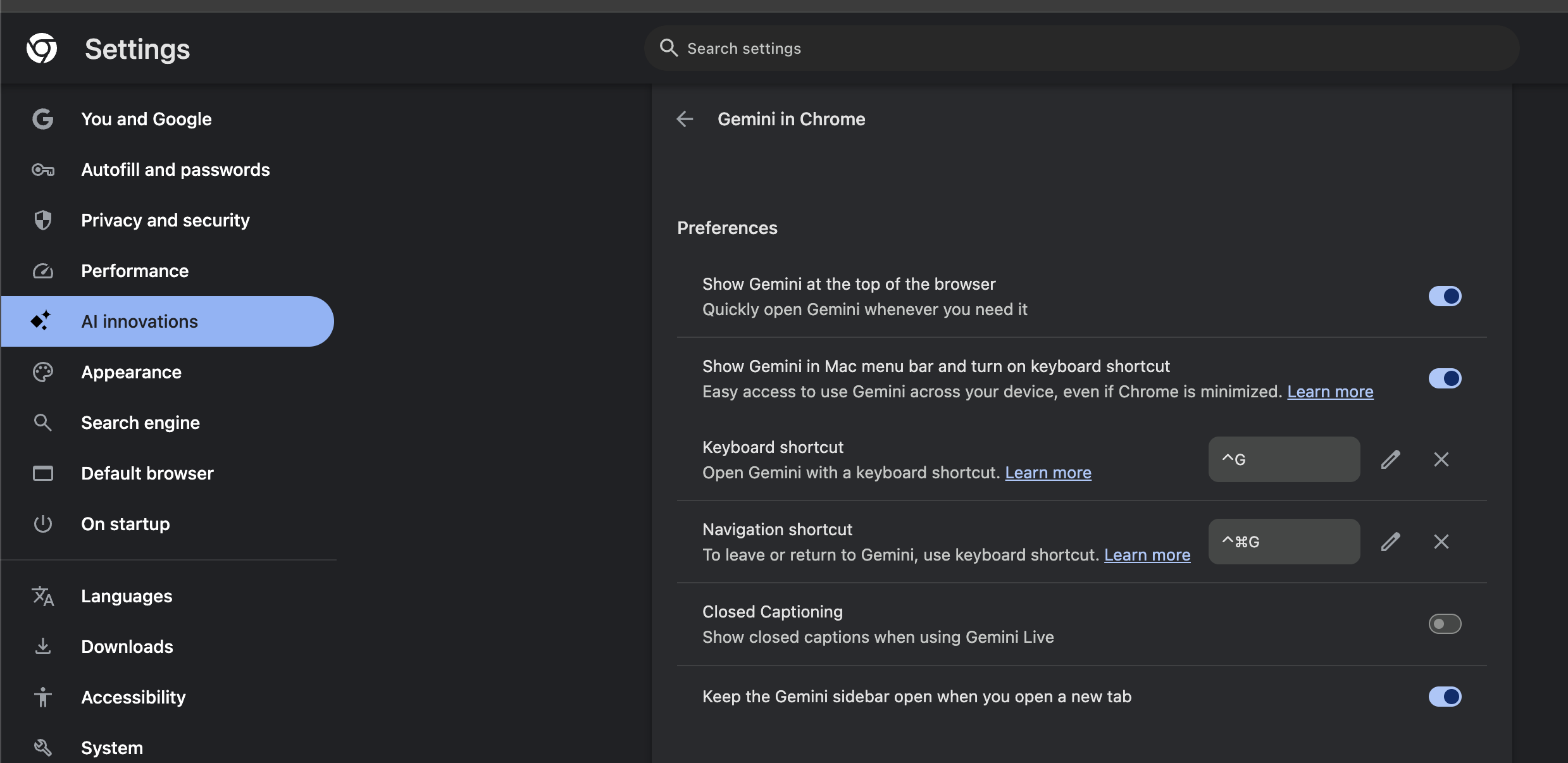
How to Disable the Gemini Side Panel in Google Chrome
Google Chrome integrates its Gemini AI assistant into the browser’s side panel, allowing you to ask questions about the contents of your open tabs.…
-
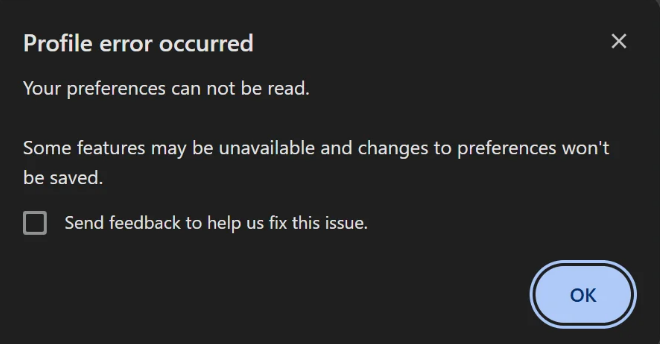
How to Fix ‘Profile error occurred: Your preferences can not be read’ in Google Chrome
Have you ever launched Google Chrome only to be greeted by an annoying pop-up box that says: “Profile error occurred. Your preferences can not…
-

Chrome to Let You Export and Import Experimental Flags
Google Chrome is working on a new feature that’ll let you export and import experimental flags from chrome://flags. Unsurprisingly, this new feature is also…
-

Chrome Adds a “Launch on Windows Startup” Toggle
If you wanted to open Google Chrome every time you log into Windows, this wasn’t easy. There were workarounds for this, but there wasn’t…
-
What’s ‘Chrome Finds’ – Chrome’s New AI Agent
Google is developing a new feature called Chrome Finds that will use its Gemini AI model to analyze browsing history and deliver personalized notifications…
-

How to use Google Chrome Split View
Put two Chrome tabs side by side in one window: how to open Split View, resize and swap the panels, and what to do…
-

How to Remove the Grammarly Extension from Chrome on Windows — a Comprehensive Guide
This article explains how to remove the Grammarly extension from Google Chrome on Windows. You will learn simple removal steps. You will also learn…
-

A Different Way to Open Chrome Tab Search
Google recently added down-arrow icon to open a tab search panel. Here is how it looks like: You can use the keyboard shortcut, CTRL…

The channel behind the fixes.
Every guide is becoming a video. Subscribe once and the Watch button lights up across the whole archive.