The paper of record for Chrome
Guides and Solutions for Chrome users.
Seventeen years of Chrome know-how, rebuilt for how you actually learn. Read it in ninety seconds — or watch it happen. Same page, your call.
-

52 Google Chrome Tips and Tricks
52 Google Chrome tips and tricks, rewritten for 2026 and verified against Chrome 151 — Split View, vertical tabs, tab search, omnibox @ shortcuts, Memory Saver,…
Latest guides
-

Complete Google Chrome Privacy Audit: Securing Passwords, Payments, and History
A complete Chrome privacy audit in 13 steps: secure your saved passwords, lock down payment info, clean up history, and close the gaps you…
-
Gemini Spark for Mac: What It Is and How to Turn It On
Gemini Spark for Mac is Google’s new AI agent that organizes files and books tasks for you. Here’s who can use it and how…
-

What Is Chrome Kiosk Mode? (And How to Set It Up)
Chrome kiosk mode locks your browser or Chromebook to one site or app. Here’s how it works, the two ways to set it up,…
-

How to Turn On or Off Chrome’s New 2026 Look
Chrome 150 rolled out a fresh redesign for Settings, Downloads, and Bookmarks pages. Here’s how to turn the new look on or off using…
-
New Chromium Flag Hints At Voice Typing Coming To Desktop Chrome
A code change merged into Chromium’s source tree adds a “Dictation” flag for Windows, Mac, and Linux, hinting ChromeOS’s voice-typing tool could be headed…
-
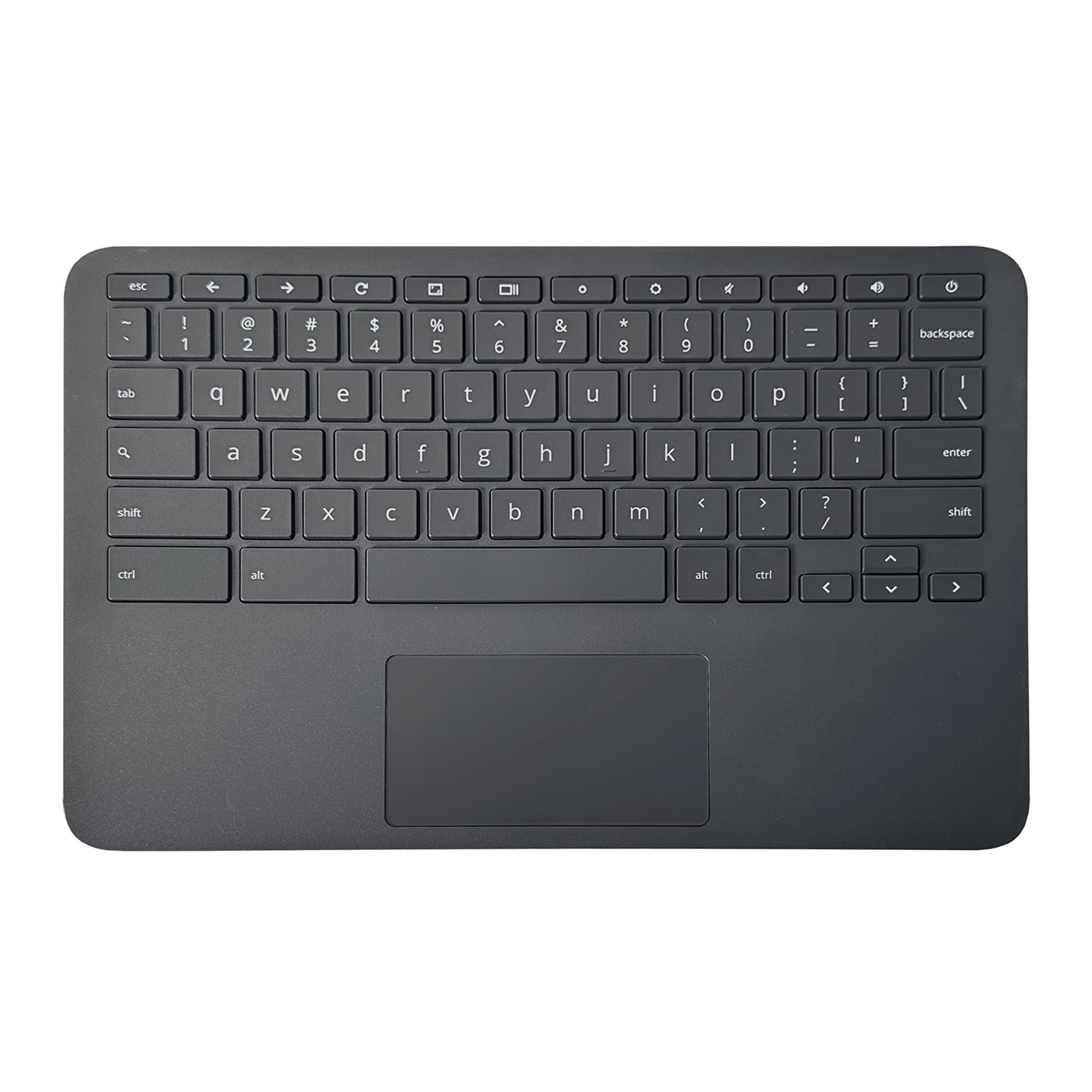
How to Use a Windows Keyboard With a Chromebook
A Windows keyboard works on any Chromebook with no drivers needed. Here’s how the keys map over, and how to remap them to feel…
-
How to Enable Live Translation in Chrome OS
Enabling live translation on your Chromebook can significantly enhance your browsing experience by providing real-time captions and translations for audio and video content. This…
-

How to Reset Your Google Account Password on Any Device
Forgot your Google password or just need to change it? Here’s the full recovery process, plus what happens to your Chromebook sign-in afterward.
The channel behind the fixes.
Every guide is becoming a video. Subscribe once and the Watch button lights up across the whole archive.