The paper of record for Chrome
Guides and Solutions for Chrome users.
Seventeen years of Chrome know-how, rebuilt for how you actually learn. Read it in ninety seconds — or watch it happen. Same page, your call.
-

52 Google Chrome Tips and Tricks
52 Google Chrome tips and tricks, rewritten for 2026 and verified against Chrome 151 — Split View, vertical tabs, tab search, omnibox @ shortcuts, Memory Saver,…
Latest guides
-
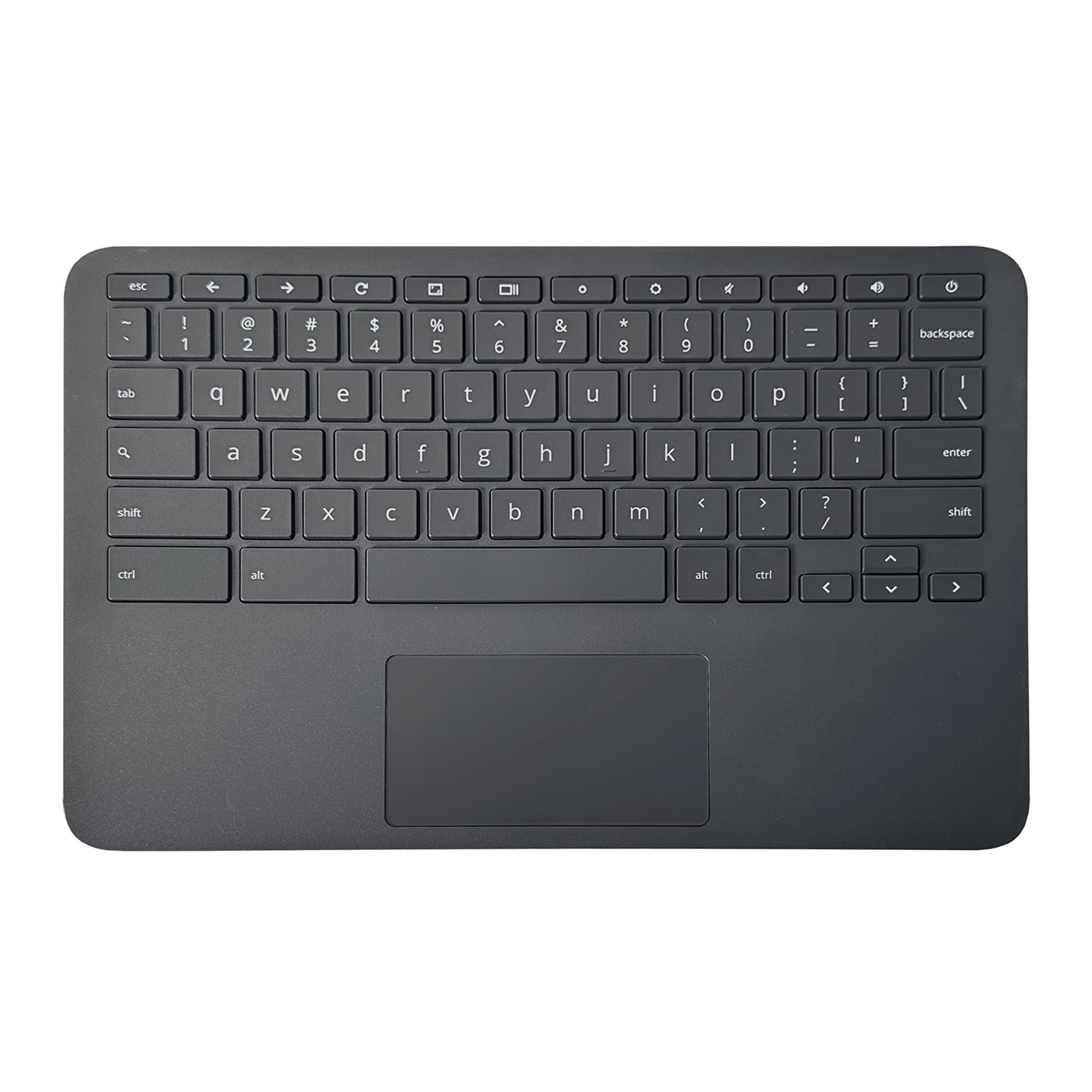
7 Chromebook Trackpad Tricks Most People Never Discover
Three-finger clicks and swipes unlock tab switching, bookmark folders, and more on a Chromebook trackpad. Here are seven tricks most people miss.
-

How to Use Google Meet on a Chromebook: Complete Guide
Google Meet works on every Chromebook with no install needed. Here’s how to open it, join calls fast, and fix common camera or audio…
-
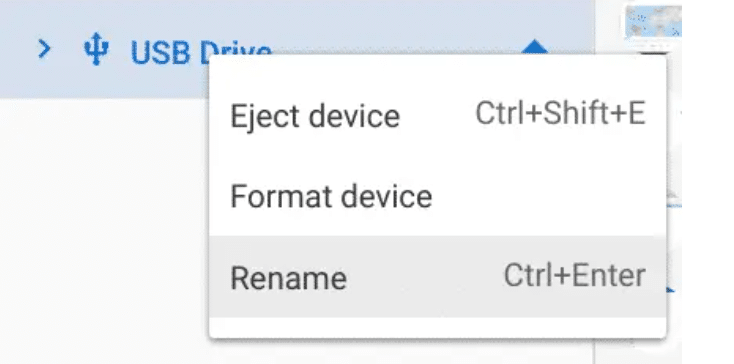
How to Format an SD Card or USB Drive on a Chromebook
Chromebooks can format SD cards and USB drives with no extra apps. Here’s how, which file system to pick, and a fix for drives…
-

How to Type Accented Characters on a Chromebook (3 Ways)
Chromebooks have three built-in ways to type accent marks, from a simple press-and-hold trick to the full US International keyboard layout.
-
Chromebook Plus AI Features Missing? How to Get Them Back
If your Chromebook Plus AI tools, wallpapers, or camera features vanished, here’s why it happens and the exact steps to bring them back.
-

How to Enable Background Blur for Video Calls on Chromebook
Background blur on a Chromebook works at the system level across Meet, Zoom, and more. Here is how to turn it on from the…
-
How to Set Chrome as Your Default Browser on iPhone/iPad
Want links to open in Chrome instead of Safari? Here’s how to set Chrome as your default browser on any iPhone or iPad running…
-
Two New Chrome Flags: Block Screenshots and Warn You at Startup
Google added two new Chrome flags for managed devices: a startup enterprise signals disclaimer and Android screenshot protection. Here is what each one does.
The channel behind the fixes.
Every guide is becoming a video. Subscribe once and the Watch button lights up across the whole archive.