The paper of record for Chrome
Guides and Solutions for Chrome users.
Seventeen years of Chrome know-how, rebuilt for how you actually learn. Read it in ninety seconds — or watch it happen. Same page, your call.
-

52 Google Chrome Tips and Tricks
52 Google Chrome tips and tricks, rewritten for 2026 and verified against Chrome 151 — Split View, vertical tabs, tab search, omnibox @ shortcuts, Memory Saver,…
Latest guides
-
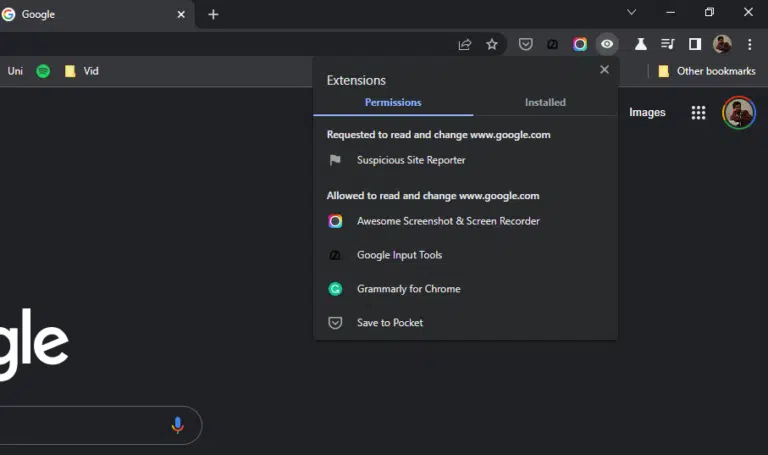
How to Control Which Sites Chrome Extensions Access
Chrome extension site access controls which sites an extension can read and change. Set it to On click, On specific sites, or On all…
-

Bookmarks Bar Missing on Chrome’s New Tab Page? How to Fix
Chrome 151 can auto-hide the bookmarks bar on the New Tab Page. Here is how to bring it back and stop Chrome from hiding…
-

How to Use Gemini in Chrome for iPhone and iPad
Gemini is now built into Chrome for iPhone and iPad. Tap Page Tools, then Ask Gemini to chat about a page, summarize it, or…
-

How to Lock Incognito Tabs in Chrome on iPhone and iPad
Lock Incognito tabs in Chrome on iPhone or iPad with Face ID, Touch ID, or your passcode using the Hide Incognito Tabs setting. Step-by-step…
-

10 Clever Ways to Use Gemini in Google Chrome (2026)
Get more from Gemini in Chrome with 10 clever, practical tricks, from multi-tab comparisons and pointer questions to Skills, Auto Browse, and Nano Banana.
-

Incognito Mode: What It Hides (and What It Doesn’t)
Incognito mode hides your history from your own browser, but not from your ISP, school, employer, or the websites you visit.
-
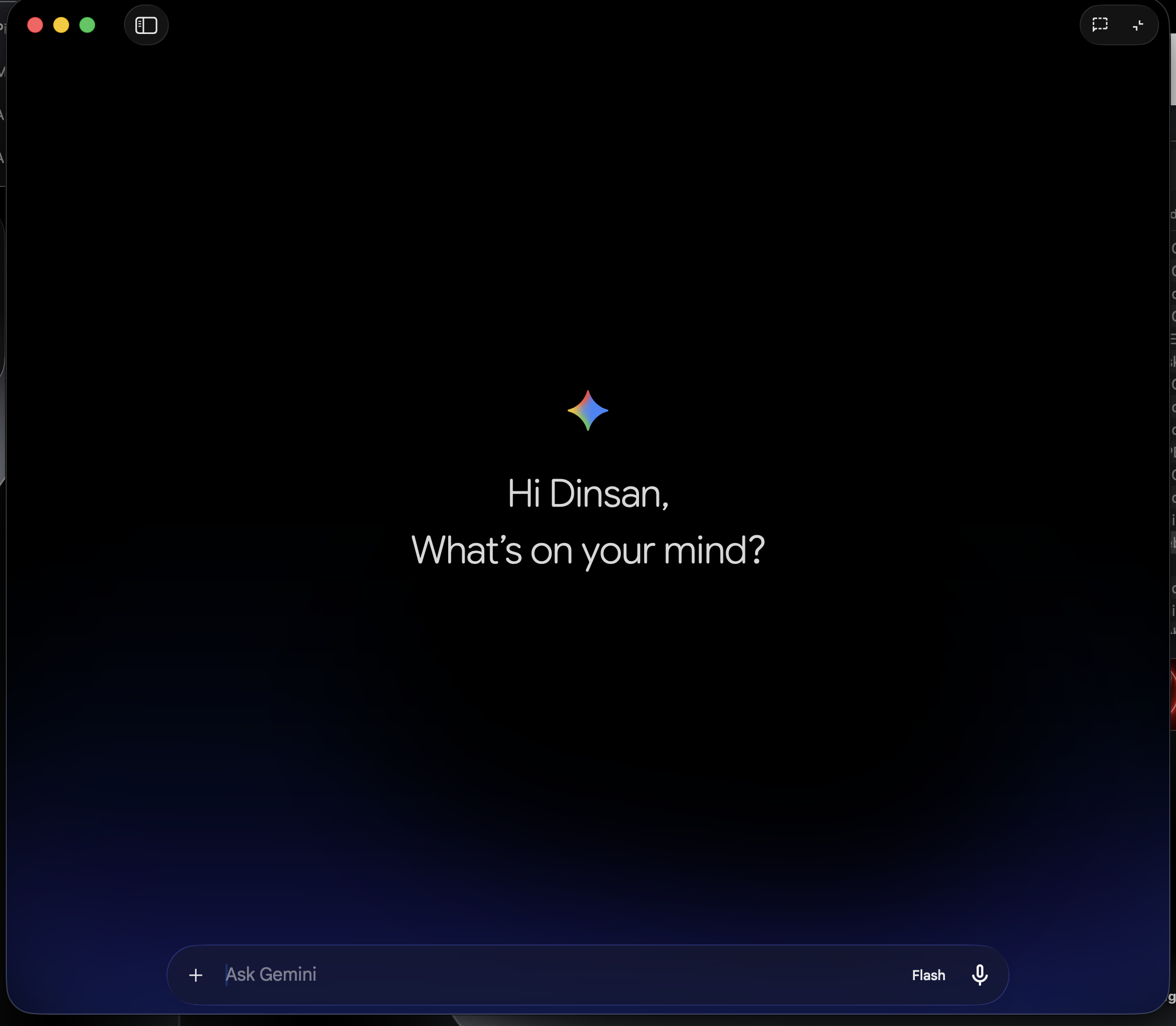
How to Create a Custom Gem in the Gemini App (Free)
Gems are custom versions of Gemini you build once and reuse. Here is how to create a Gem in the Gemini app for free,…
-

What Happens When You Type a URL in Google Chrome
When you type a URL in Chrome and press Enter, here is the full journey: DNS lookup, the HTTPS handshake, and how Chrome renders…
The channel behind the fixes.
Every guide is becoming a video. Subscribe once and the Watch button lights up across the whole archive.